
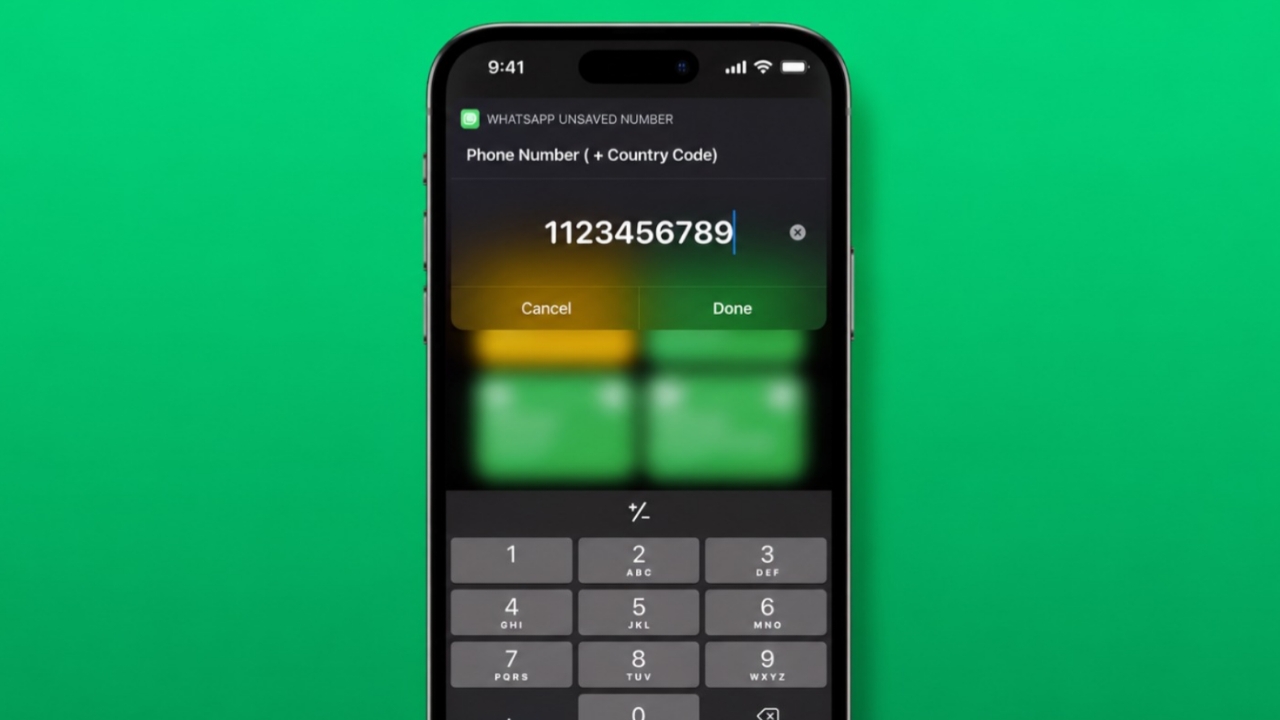

Many chats are temporary and short-term only. Saving every contact creates unnecessary phone clutter.
Thankfully, several simple methods make messaging on WhatsApp without saving a number.
Key Takeaways:
- Send messages directly using WhatsApp links.
- Use apps and Android menu shortcuts.
- Businesses can use QR codes and APIs.
WhatsApp Someone Without Saving Digits Using WhatsApp Links
WhatsApp provides a direct messaging feature itself. This method is simple and very practical.
You may need temporary conversations sometimes. For example, contacting delivery agents becomes easier. Customer support chats also stay temporary. Business discussions may only happen once.
Instead of saving contacts, use a browser. Open any browser on your device first.
Type the link in this format:
wa.me/countrycodephonenumber
Add the complete country code correctly. Remove spaces, symbols, and starting zeros. The number must remain in plain format.
For example:
wa.me/919876543210
Open the link after entering it. WhatsApp will launch automatically afterward. A chat window opens with that number. You can start messaging immediately.
This method works on smartphones very well. It also works on computers and laptops.
Steps to Follow
- Open a browser on your device.
- Enter the WhatsApp link correctly.
- Add country code before the number.
- Remove spaces and special characters.
- Open the generated chat window.
- Send your message directly.
Other Methods
Another simple method uses your personal chat. WhatsApp allows messaging yourself easily.
Message Yourself Method
Follow these quick steps carefully:
- Open WhatsApp on your phone.
- Tap the New Message option.
- Open your own chat window.
- Paste or type the target number.
- The number becomes blue automatically.
- Tap the number to continue.
- WhatsApp opens the direct chat screen.
This method requires no additional applications. Many users find it very convenient.
Android Text Selection Method
Android users have another useful option available.
First, keep the target number as text. Copy the entire phone number carefully.
Next, open additional options from the menu. Tap the WhatsApp message option shown.
WhatsApp launches a chat window instantly. You can message without saving contacts.
Third-Party Applications
Several apps offer similar functionality today.
Popular options include:
- Click to Chat
- Direct Message for WhatsApp
- Easy Message
- Truecaller
Install the preferred application first. Enter the country code correctly. Add the remaining phone number afterward.
Do not enter spaces or symbols. Tap the WhatsApp button afterward. A direct chat opens immediately.
Truecaller also includes a messaging feature. Users can contact people without saving numbers.
For Business Communication
Businesses often require faster communication solutions.
WhatsApp QR Codes
WhatsApp QR codes help businesses greatly. Customers can start conversations instantly.
To create a QR code:
- Install WhatsApp Business application.
- Open Business Tools section.
- Select the Short Link option.
- Choose View QR Code.
- Generate the business QR code.
Print the QR code afterward. Display it at business locations.
Customers simply scan the code. They can send messages immediately. Saving numbers becomes unnecessary.
WhatsApp Business API
Large businesses often use WhatsApp Business API.
This solution supports automation and bulk messaging.
Key benefits include:
- Direct customer communication
- CRM system integration
- Automated customer replies
- Order status notifications
- Message delivery tracking
- Customer response monitoring
Businesses first create an API account. They can apply directly through WhatsApp. Business Solution Providers also offer assistance.
Pre-approved message templates start conversations efficiently. Messages reach users without saving contacts.
The End Note
Browser links, apps, and shortcuts work quickly. QR codes and APIs help businesses greatly.
These options save time and keep contacts organized.
