
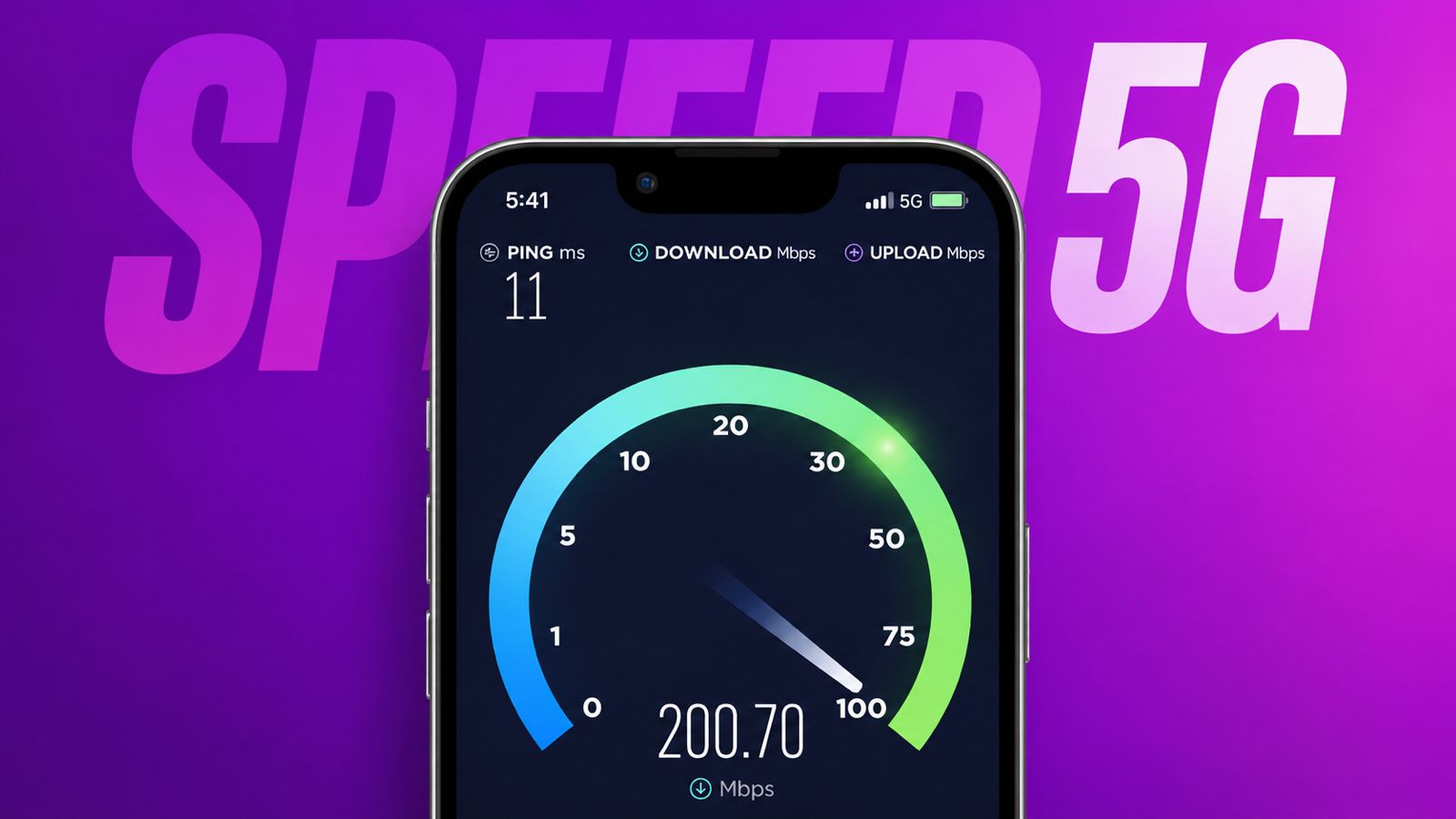

Change 5G Settings properly for better network performance. Many users experience connection issues despite supported devices.
Correct settings and simple checks often solve problems. Here, I will explain setup, benefits, coverage, troubleshooting, and solutions.
Change 5G Settings: Understand 5G Network Benefits
5G is the latest mobile network technology. It succeeds the older 4G LTE network. It delivers faster speeds and smoother performance.
Users can download large files much faster. High-quality videos stream without frequent interruptions. Online gaming feels smoother and more responsive.
Video calls become clearer and more stable. Cloud-based applications perform better during daily usage. Businesses and regular users both benefit greatly.
Many smart devices connect more efficiently. Large amounts of data move very quickly. This improves productivity and entertainment experiences.
Some important benefits include:
- Faster internet browsing speeds.
- Quicker application downloads.
- Better video streaming quality.
- Improved online gaming performance.
- More stable network connections.
- Better support for modern applications.
- Enhanced user experience overall.
Although 5G offers many advantages, proper setup remains necessary. Device compatibility, network coverage, and carrier support matter greatly.
Check Important Requirements First
Before troubleshooting any problem, verify essential requirements. Many issues happen because basic requirements remain incomplete.
Check Whether Your Phone Supports 5G
First, confirm your handset supports 5G networks. Not every smartphone supports this technology.
You can verify support through carrier applications. Jio and Airtel applications provide compatibility information. This helps users confirm device readiness.
Sometimes carrier applications display unsupported device messages. This may happen because databases need synchronization. The actual phone may still support 5G.
Network operators occasionally require additional synchronization time. Therefore, temporary messages may not reflect reality. Waiting sometimes resolves these notifications automatically.
Check Your 5G Data Plan
Your mobile plan must support 5G services. Older plans may not include access.
Contact your carrier for confirmation if needed. They can verify activation and eligibility.
Check Your SIM Card Compatibility
A compatible SIM card remains important. Older SIM cards may create limitations.
Ask your provider whether replacement is required. Most carriers provide updated SIM cards easily.
Update Your Device Software
Always install the latest software updates. Updated software improves network compatibility significantly.
Manufacturers release updates for performance improvements. These updates often fix network-related problems.
Before troubleshooting further, install all available updates. Then restart the device after installation.
Enable Jio Welcome Offer
Jio users should verify offer activation status. The Jio Welcome Offer must remain enabled.
Open the Jio application and confirm activation. This step remains important for eligible users.
Avoid Using SIM Cards Inside 4G Phones
Do not place your 5G SIM elsewhere. Using a 4G-only device can affect service.
Some users temporarily lose 5G functionality afterward. Service restoration may require several days.
Stay Updated About Carrier Plans
Carrier plans frequently change over time. New offers and requirements appear regularly.
Always check official carrier websites for updates. This helps avoid unexpected service limitations.
Verify 5G Coverage Availability
Coverage plays a major role in connectivity. Even supported devices require network availability.
Many users assume citywide coverage exists everywhere. Actual coverage varies between specific locations.
One neighborhood may support strong 5G signals. Another nearby location may lack service.
Therefore, verify your exact location carefully.
Jio 5G Coverage
Jio continues expanding its 5G infrastructure. Coverage now exists across many regions.
Always check whether your location qualifies. Coverage maps provide the latest availability details.
Airtel 5G Coverage
Airtel also offers expanding 5G services. Coverage continues growing throughout many locations.
Users should confirm availability before troubleshooting. Coverage information changes as infrastructure expands.
Vi 5G Coverage
Vi has started expanding 5G services gradually. More locations receive support over time.
Users should monitor official announcements regularly. New updates reveal supported regions and plans.
Network Conditions Also Matter
Coverage alone does not guarantee connectivity. Network conditions can affect service quality.
Heavy traffic may reduce available resources. Temporary issues may impact connection stability.
Even within supported regions, service variations occur. This remains normal during infrastructure expansion.
Enable Correct Network Options
After verifying requirements, check device settings carefully.
Incorrect settings often prevent 5G connectivity. Fortunately, correction usually takes little time.
Select Preferred 5G Network
Open your device settings menu first. Follow these steps carefully:
Settings > SIM Card and Mobile Network
Next choose:
Preferred Network Type
Select:
Prefer 5G
This allows your phone to prioritize 5G. The device searches for compatible networks automatically.
Enable SA Mode
Some carriers support Standalone 5G networks. Enabling SA Mode improves compatibility.
Follow this path:
Settings > SIM Card and Mobile Network
Then choose:
Advanced Settings > SA Mode
Turn SA Mode on.
After activation, restart your phone once. This helps refresh network registration properly.
Activate Hidden SA Mode
Some devices hide the SA Mode setting. Users may not find the option.
In such cases, use this activation code:
##726633##
After entering the code, verify settings again. The option may become available afterward.
Troubleshoot Common Connection Problems
If 5G still does not work, continue troubleshooting.
Remove And Reinsert Your SIM Card
Network registration occasionally encounters temporary issues. A SIM refresh can solve problems.
Carefully remove the SIM card completely. Wait several moments before reinserting it.
Restart the phone after reinsertion. Then check network connectivity again.
Check VoNR Service Status
VoNR stands for Voice over New Radio. This feature supports calling on 5G.
Failure to activate VoNR may affect registration. Some users notice issues during calls.
Currently, VoNR works only in selected cities. Availability depends on carrier support.
Contact your network provider for details. They can confirm service availability locally.
After activation, network indicators may vary. During calls, phones may display 4G. Other times, they may display 5G.
This behavior depends on carrier implementation. It does not always indicate a problem.
Contact Your Carrier
If problems continue, contact your network provider. Carrier support can verify several important details.
Ask them to confirm:
- Active 5G plan status.
- SIM card compatibility.
- Device registration status.
- Local network availability.
- VoNR activation support.
- Account-related restrictions.
These checks often identify hidden issues.
Visit An Authorized Service Center
Sometimes every requirement appears correct. Coverage exists and plans remain active.
Software stays updated and settings appear correct. Yet 5G connectivity still fails.
In these situations, professional inspection helps. Visit an authorized service center nearby.
Technicians can perform detailed device diagnostics. Hardware issues may require expert attention.
They can identify hidden software conflicts. They can also verify internal components.
Professional evaluation provides the best solution. This remains the final troubleshooting step.
The Bottom Corner
Change 5G Settings correctly to enjoy faster connectivity. Verify coverage, plans, software, and compatibility carefully.
Contact carriers or service centers when necessary. Proper setup usually restores reliable 5G performance.
